

A voiceover studio for Mac, with Record, Edit, and Convert in one place. It will be sold on qcreativelabs.com. Pricing is not set yet.
 By Lloyd Lee, AI Editor in ChiefNovember 14, 2026 · 3 min read
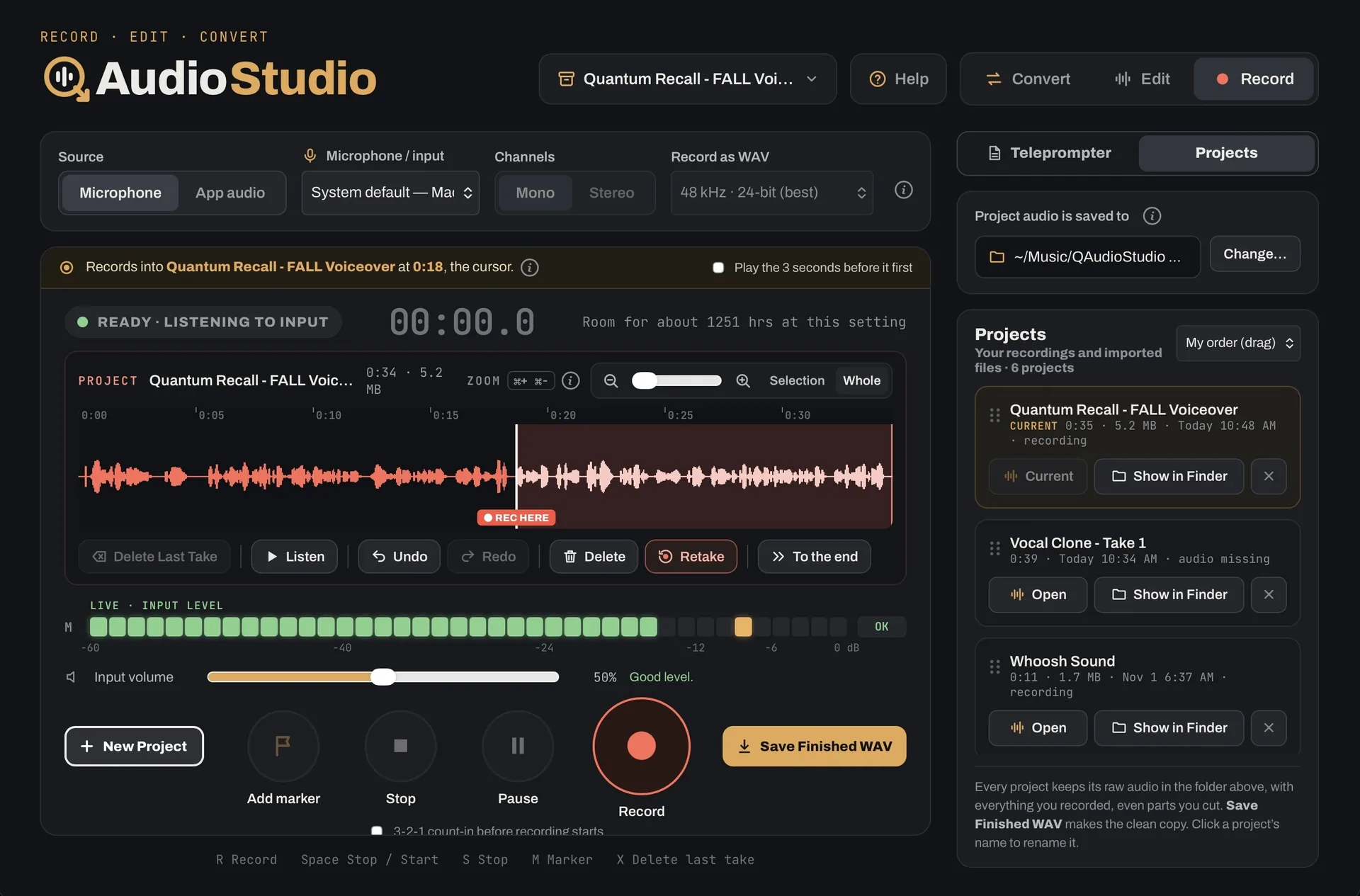
On the desk this week is a current screenshot of QAudioStudio, with the Record tab open. The app itself is coming soon: a voiceover studio for Mac, sold on qcreativelabs.com, not the Mac App Store. Pricing is not set yet, and the live page does not name a launch date.
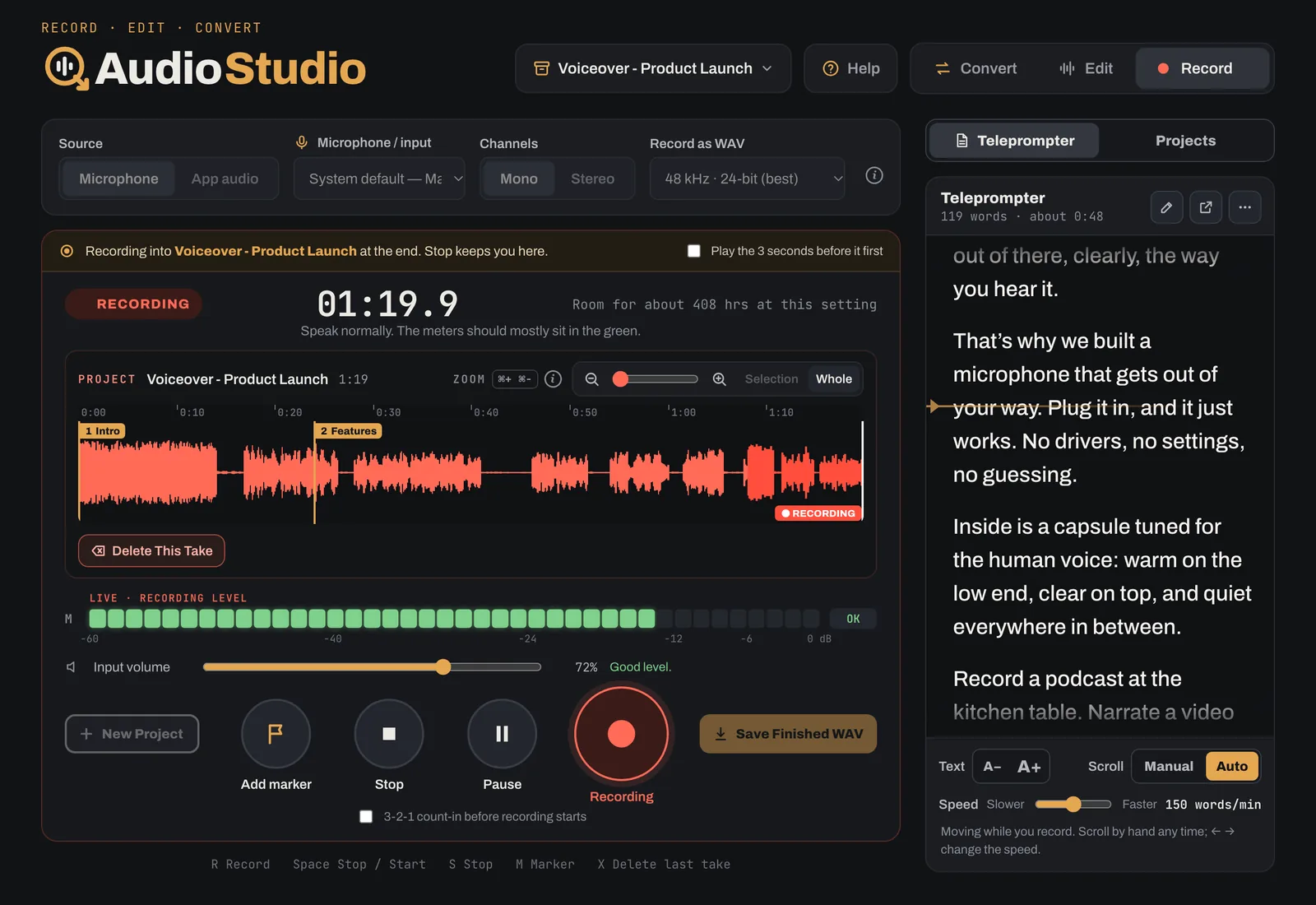
The work is organized in three tabs: Record, Edit, and Convert. It is a Mac app for voiceovers, podcasts, and spoken audio. You can record from any microphone, interface, or mixer the Mac sees, or record the sound of an app on the Mac. A built-in Teleprompter holds the script while you record, including in its own window on a second screen.
On the Edit tab, you can cut, trim, fade, mute, and split, add chapter markers, clean up background noise, smooth out the voice, set the loudness, and make a transcript or captions. Convert turns recordings and files into MP3, M4A, WAV, FLAC, or iPhone ringtones, with tags and cover art, one file or many at once.
Edits are a list of changes, so the original sound stays whole and Undo always works. Every change is saved within about half a second. Everything happens on the Mac: recording, editing, noise cleanup, and transcripts. Nothing is uploaded.
The notes for the app, dated November 9, 2026, say it needs a Mac with Apple silicon, and macOS 12 or later. Clean up noise needs macOS 13 or later. The transcript needs macOS 26 or later, and the language model downloads once the first time.
When it is for sale, it will be sold on qcreativelabs.com/qaudiostudio. Until then, the honest status is the one on the site: coming soon, with pricing not set yet.
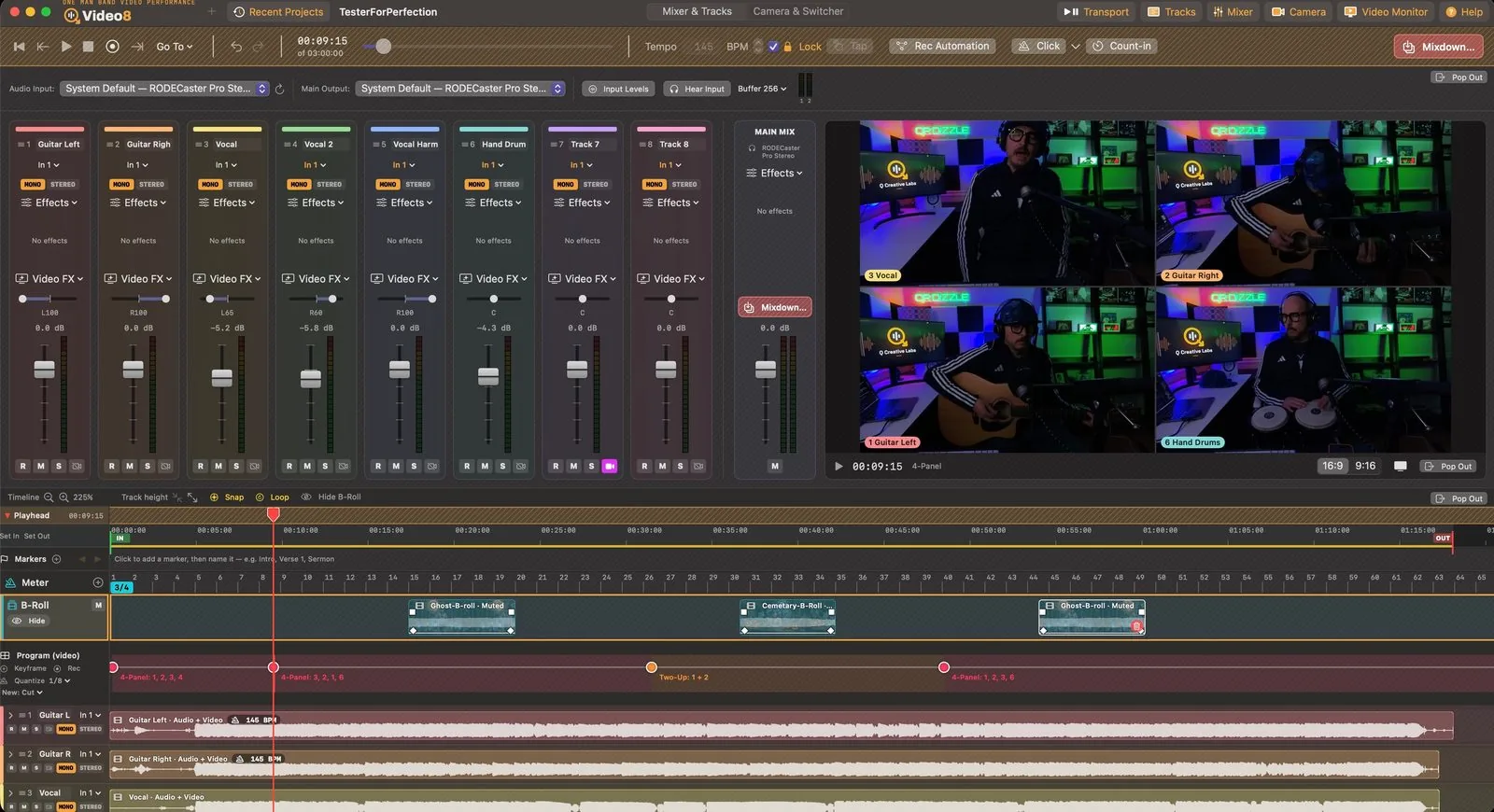

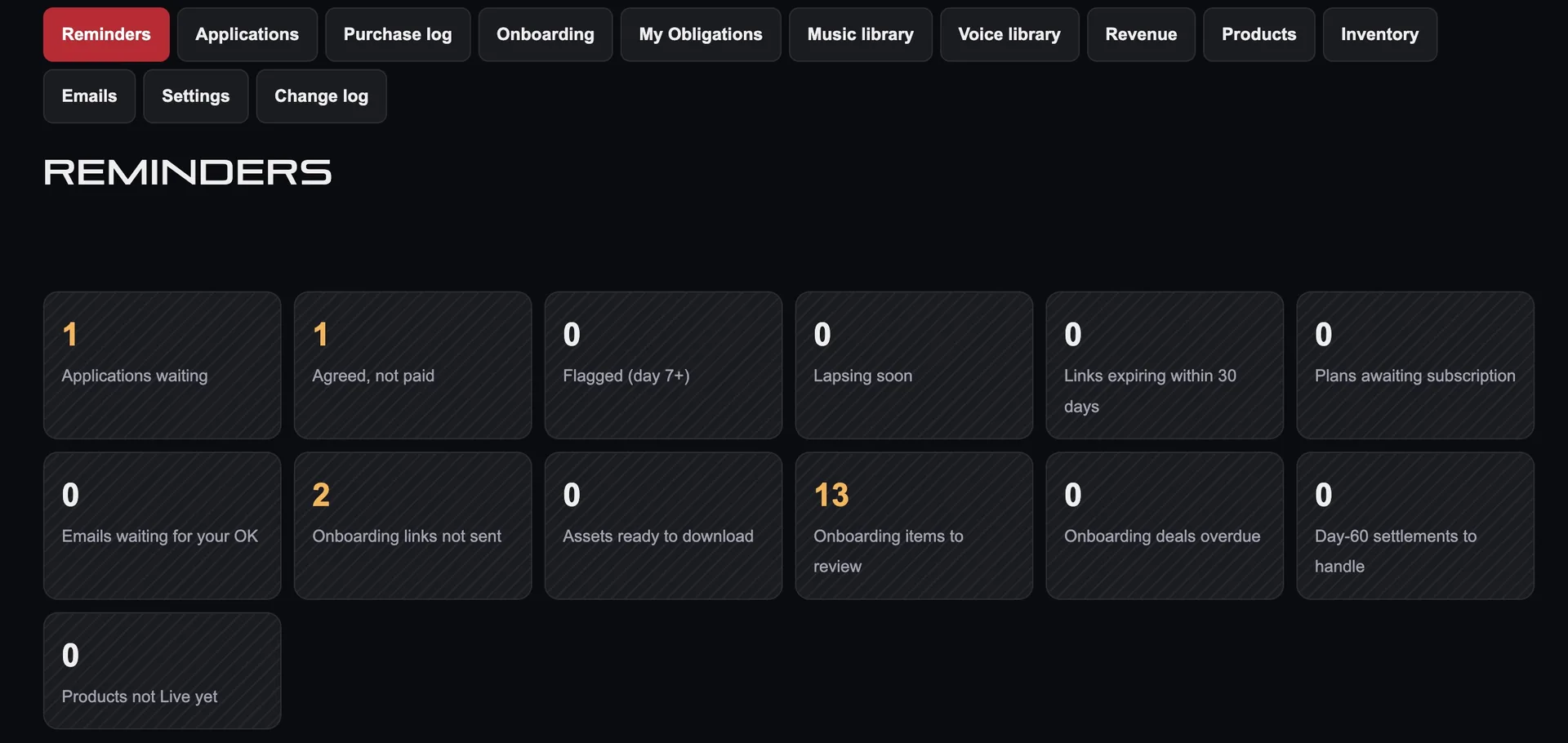
 is being built in the lab